Your broker's file, read as your broker wrote it
A journal is only as good as what goes into it, and typing trades in is where most journals die. Ledger of Alpha has dedicated importers for 10 brokers — Interactive Brokers, TradeStation, NinjaTrader, Tradovate, TopstepX, Charles Schwab, Webull, Robinhood, E*TRADE and Tastytrade — that read each one's own export: partial fills become one trade with its legs, commissions come from the file, options are read by contract. Any other broker's CSV goes through the column mapper.
Every import shows a preview first. Duplicates are found and skipped, and any row can be edited before it is saved.
Illustrative sample data — not actual or achievable results.
Sync, with you in the loop
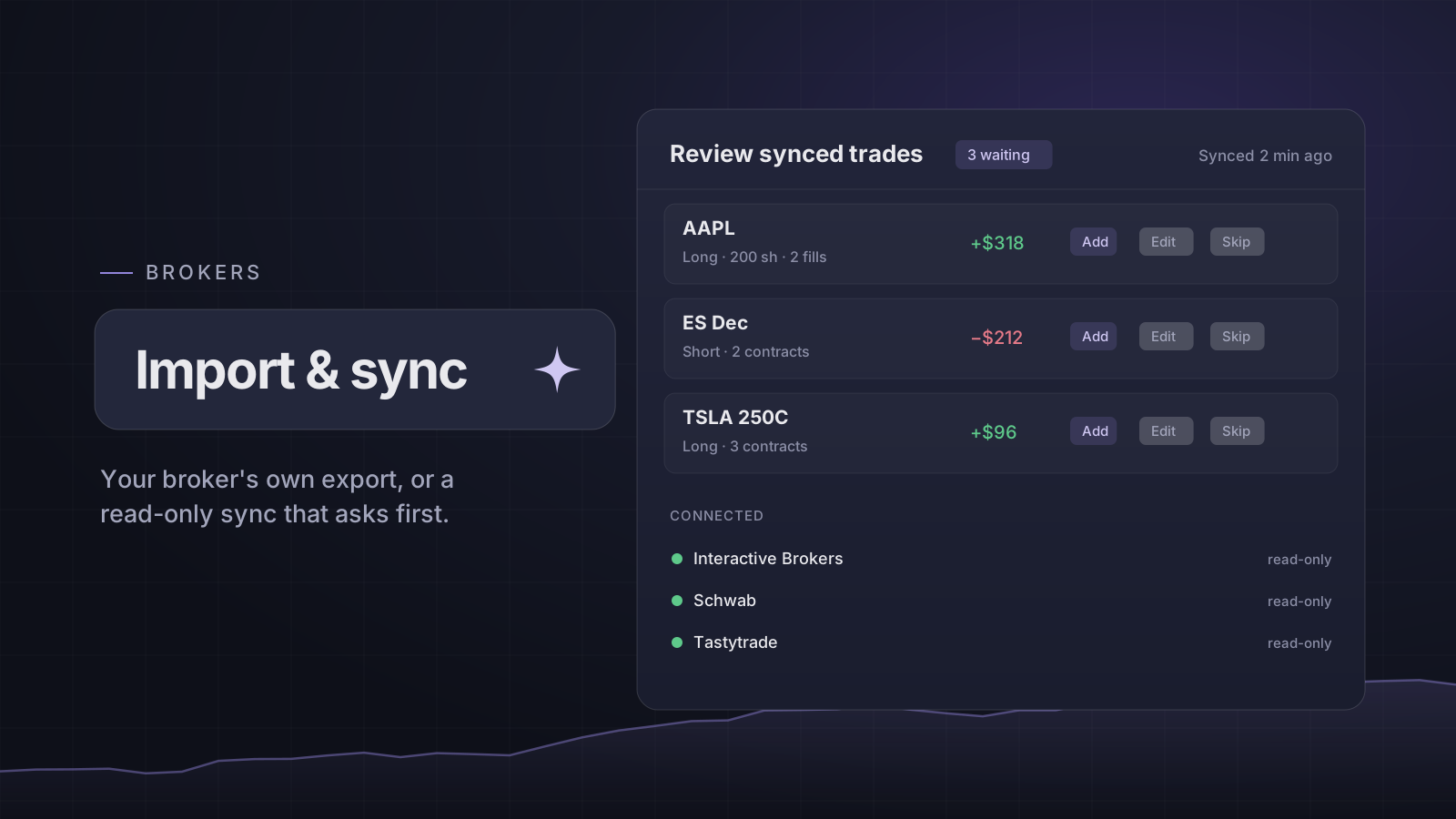
7 of those brokers — Interactive Brokers, TradeStation, Charles Schwab, Webull, Robinhood, E*TRADE and Tastytrade — can also be connected for automatic sync. The connection is read-only, your password is typed only on the broker's own page, and history is backfilled.
New synced trades wait in a review list before they reach your journal: add them, edit them, merge one with a trade you logged by hand, or skip it.
Which plans
Importing a file works on every plan. Automatic sync is part of Essential (1 connection) and Pro (5 connections), and is included in the free trial. If a plan change pauses a connection, it is kept, with everything it already synced.
Open it: Brokers
Open in the app